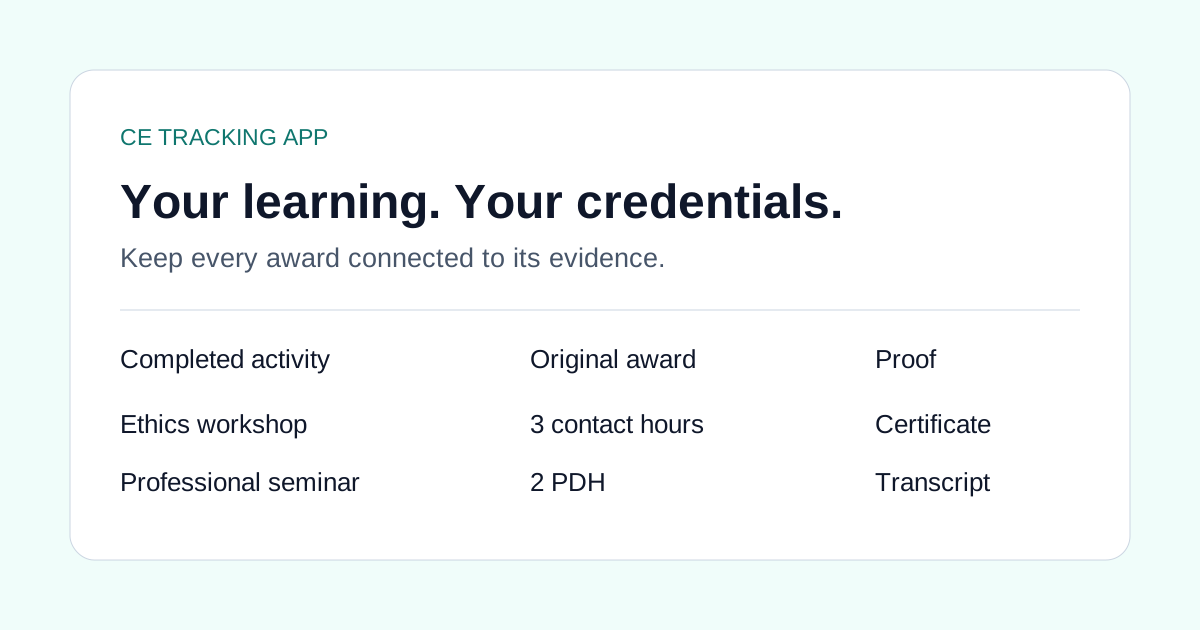
Your ethics workshop is on a provider website. Your employer lists it in a training transcript. You also entered it in the Google Sheet you use for a second state license. Three entries can describe one completed activity.
A useful social-work CE log keeps the learning record together while leaving each state's renewal decision separate. That matters when your LCSW or other social-work licenses have different renewal windows, provider rules or required topics.
Keep two kinds of information
The activity record answers what you completed: title, provider, completion date, awarded quantity and unit, and supporting certificate. A renewal review answers where that activity can count: the particular license, period, category and basis for acceptance.
| Activity fact | Renewal question |
|---|---|
| Date printed on the completion certificate | Is that date inside this license's renewal period? |
| Provider and approval statement | Does this jurisdiction accept this provider or approval route? |
| Topic and delivery format | Does the activity satisfy the required category and format rules? |
| Original award | What credit, if any, is permitted for this destination? |
ASWB's ACE guidance makes the jurisdiction check explicit: licensees still determine whether an activity meets their local CE requirements. Keep that official guidance and the relevant board's instructions available during review.
Example: one workshop, two renewal periods
Consider a fictional ethics workshop completed August 10. Your first license's saved renewal period includes that date. Your second license's next period starts September 1.
The course stays in your learning ledger with its actual August completion date. Do not change the date to make it fit the second period. Check the second board's applicable rules before assigning it anywhere; an existing record is not automatically eligible for the period you are currently viewing.
Similarly, an ethics component does not add learning hours on top of the course award. Preserve the provider's total and the evidence describing the category.
Move an existing spreadsheet into Records
- Make a copy of your current sheet so you retain the original.
- Keep one row per completed activity, with the course title, provider, completion date, quantity and unit.
- Paste rows into the import flow or export the sheet as CSV.
- Check column mapping, missing fields and duplicate warnings.
- Confirm the rows, save them, and attach the original certificates.
- Review the destination licenses independently.
A duplicate warning means “check this,” not “this record is definitely wrong.” Two activities can have similar titles; one workshop can also appear in several exports. Compare provider, date and proof before deciding.
If your source uses “CEUs” informally, check the actual award statement. The importer preserves named units and does not invent a conversion into contact hours.
Make the archive useful when someone asks
A folder of PDFs is easier to review when each file has a corresponding ledger entry. Use filenames that help you recognize the activity, and keep provider approval evidence when the certificate alone leaves a question.
Before exporting renewal records, review missing proof and category gaps. An organized report helps you retrieve evidence; the board still determines acceptance. Importing a CSV does not upload the certificates referenced in your old spreadsheet.
Download the social-work sample CSV or begin with the blank template and review worksheet. Replace the fictional course rows with your own completed activities.
For the product workflow, visit social-work CE tracking. State-specific starting points include the Illinois, New York and California guides; check each board's current source before making an eligibility decision.
Common questions
Can I use one social-work course for two states?
Possibly, but review provider acceptance, topic, format and renewal dates for each state independently. Saving the course once does not establish eligibility for both.
Does an ASWB ACE label settle every state requirement?
No. ASWB tells licensees to determine whether an activity meets the CE requirements in their own jurisdiction, even when that board accepts ACE credit.
Can I import my Google Sheets CE log?
Yes. Paste spreadsheet rows or export CSV, then review the mapped fields and original units. Attach supporting certificates separately.