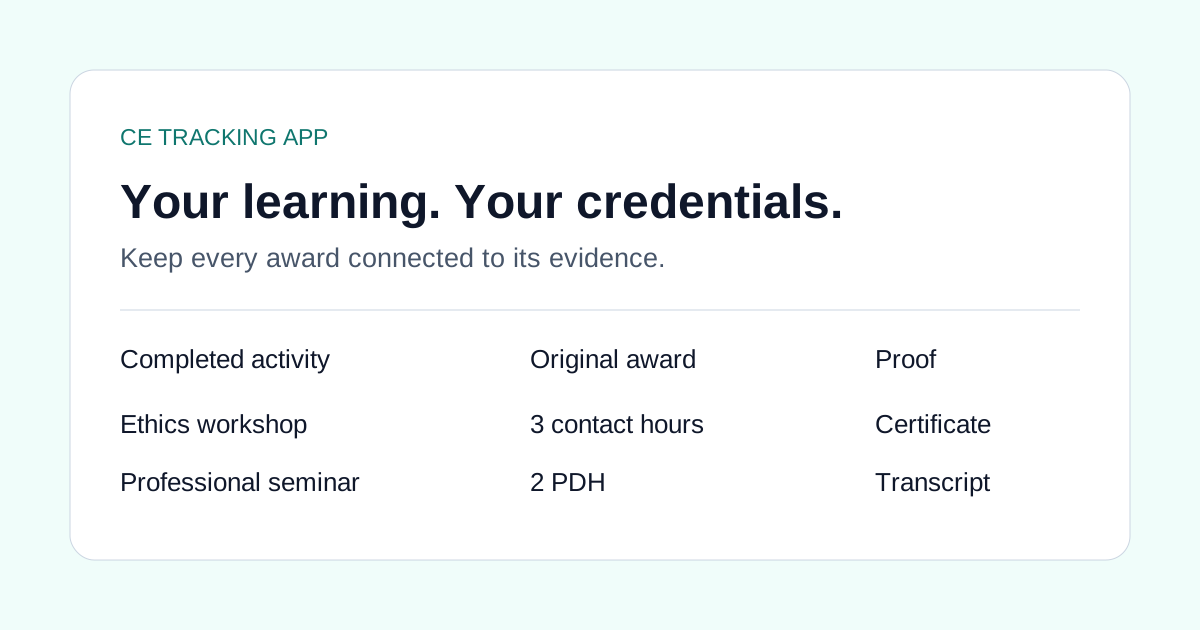
A useful CE spreadsheet needs more than a course title and a number. Keep the provider, completion date, awarded quantity and original unit together so you can understand the record months later.
These free CSV files work in Excel and Google Sheets. Start with a blank log or inspect a profession-specific example, then use the separate review worksheet to organize the renewal questions that a course list cannot answer.
Download the files
- Blank course log CSV: the six import columns, ready for your own activities.
- Renewal and proof review worksheet: a separate sheet for credentials, dates, requirement sources and missing evidence.
- Nursing example: employer and outside-provider learning with contact-hour and CEU awards.
- Nurse practitioner example: separate activities with pharmacology documentation and native award units.
- Social-work example: ethics and practice education from different sources.
- Counseling example: ethics and telehealth records for independent credential review.
- SLP example: ASHA CEU and hour-based entries.
- PT/OT example: clinical education and PDU records.
- Behavioral-health example: psychology and counseling education records.
- Dental example: conference and outside-provider education, with certificate evidence kept separately.
- Mixed-unit example: CPE, CLE, PDH and PDU entries for other professions.
All example rows are fictional. Replace or remove them before importing anything into your account. They do not represent approved providers, approved courses or board requirements.
What each course column means
| Column | Enter | Avoid |
|---|---|---|
| Course title | The completed activity's actual title | Renaming it to match a board category |
| Provider | The organization that delivered the education | Assuming the export portal is the provider |
| Completion date | The date on your completion evidence | A transcript print date or renewal date |
| Credits | The positive awarded quantity | A total made by adding overlapping categories |
| Unit | The unit printed on the source | Assuming every number means contact hours |
| Topic | An optional source topic | Treating the label as proof of board acceptance |
Use one row per completed activity. Keep the original transcript and certificates outside the CSV too. The file cannot carry certificate attachments.
Keep renewal review in its own worksheet
The second file asks for the credential, jurisdiction or certifier, renewal period, official requirement source, activity reference, proof status and unresolved question. Fill it in for each destination you need to review.
This separation lets you record a course once while examining more than one renewal. A blank field is a question to resolve, not a zero-hour requirement. The worksheet is a personal planning aid and is not imported as license rules or submitted to a board.
Bring your course log into CE Tracking App
- Replace the example rows with your completed learning.
- Save the course log as CSV, or copy spreadsheet rows.
- Open Records and choose Import PDF, CSV or spreadsheet.
- Select the source. If your sheet combines several portals, keep the originals so you can still trace each record.
- Check the column mapping, quantity, unit, date and duplicate warnings.
- Confirm and save the selected records. Attach supporting certificates separately.
The importer supports up to 500 CSV course rows and 2 MB per file, subject to your account's course limits. Imported courses are not automatically assigned to a renewal. Native non-hour awards retain their units and require documented duration before hour-based matching.
Find the example closest to your work
Use the nursing transcript guide, NP certification guide, multistate social-work guide, counselor guide, SLP guide, PT/OT guide or credit-unit guide.
The examples differ because your work differs. The application uses the same reviewed records, evidence and renewal workflow across them.
Common questions
Can I use the template in Excel or Google Sheets?
Yes. Open the CSV in either spreadsheet application. Save or export CSV when you are ready to import it; native Excel workbooks are not imported directly.
Will the review worksheet import my renewal rules?
No. The renewal-review worksheet is a separate planning aid. Only the course CSV follows the record importer columns.
Are the sample courses real?
No. Every sample uses fictional example activities. Delete or replace all example rows before importing your own learning records.