Short answer: To pull nursing CE together, export a transcript from each source you use — employer LMS, association, conference, or a personal spreadsheet — as a PDF or CSV, import and review it into one ledger you own, and keep each record's original contact hours or CEUs. Importing does not connect to HealthStream or Relias, attach your certificates, or make a course count for a license on its own. You still confirm which license or certification each record supports.
Your hospital transcript has the annual training. A conference certificate is in your personal email. An association portal has the workshop you completed on a day off. When renewal approaches, the first job is finding the records you already earned.
You can bring those records together without replacing your employer's learning system. Start with downloadable transcripts, preserve what each source actually reports, and review the resulting ledger before deciding where a course counts.
Gather the sources you actually use
Make a short list: employer LMS, nursing association, conference organizer, college and outside CE providers. Download an available PDF or CSV transcript from each. A screenshot of a completed-course list may help you locate an activity, but it may not contain the provider, award or completion information you need.
For HealthStream, Relias or CE Broker, use the export available to your account. Menu names and export options vary. The app imports files you supply; it does not log into those services or keep them synchronized.
Before changing jobs, save records you are permitted to retain while you still have access. Avoid adding patient information or confidential employer materials to your personal CE archive.
A realistic example
These are fictional records illustrating the workflow, not approved course recommendations.
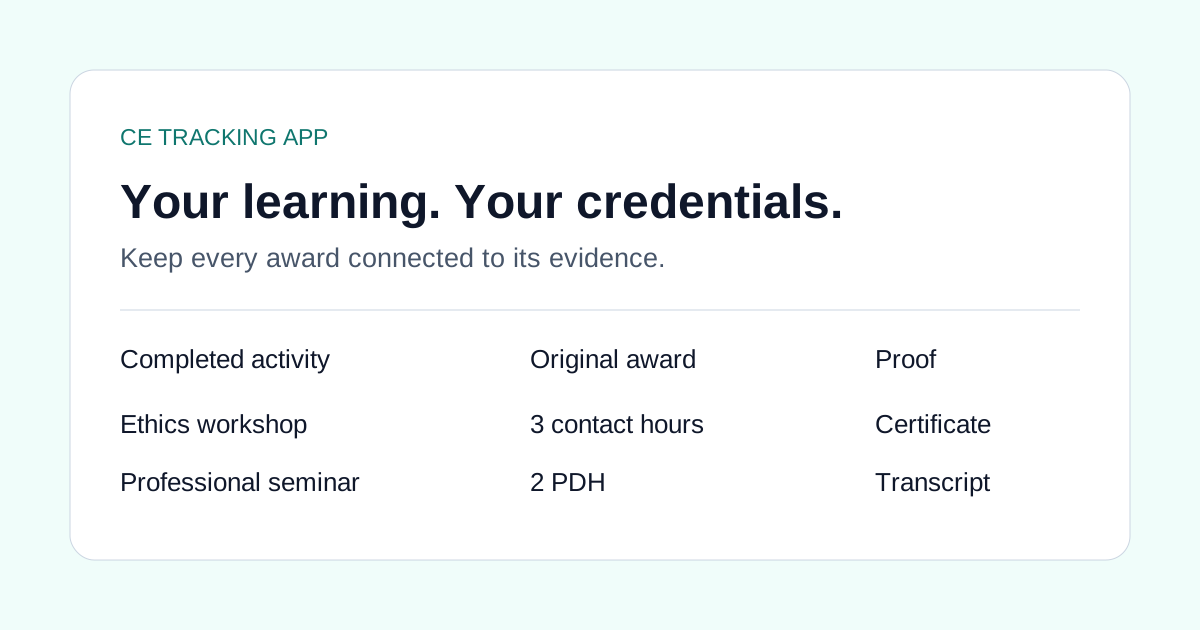
| Source | Completed activity | Printed award | Next review |
|---|---|---|---|
| Employer LMS | Clinical communication workshop | 2 contact hours | Identify the education provider and obtain proof |
| Conference organizer | Practice update | 0.4 CEUs | Preserve the CEU award; do not guess the duration |
| Personal spreadsheet | Clinical communication workshop | 2 contact hours | Check whether this duplicates the LMS record |
The duplicate is still one completed activity. A portal name is also not necessarily the provider printed on the certificate. Keeping both facts helps you avoid a ledger that looks complete but cannot be checked.
Import, then review
- Open Records and choose Import PDF, CSV or spreadsheet.
- Select the source type and, when useful, enter its name.
- Upload one export or paste spreadsheet rows. Check the column mapping for CSV files.
- Compare every PDF page with the extracted rows. Select only the activities you have checked.
- Confirm the course title, provider, completion date, quantity and unit. Resolve possible duplicates.
- Save the selected records, then attach the supporting certificates and review each renewal destination.
PDF imports support files up to 2 MB, 20 pages and 100 course rows. CSV imports support 2 MB and 500 rows. Your account's course and AI-document limits still apply. A PDF read can be incomplete or incorrect, so the original remains part of the review.
Keep the renewal question separate
Employer training, RN renewal and specialty certification are different questions. A completed LMS activity is useful evidence, but its presence in a transcript does not establish acceptance by a board or certifier.
The same applies to units: a source award of 0.4 CEUs stays 0.4 CEUs. The import does not turn it into four recorded learning hours. If you later document the duration and confirm eligibility, review the appropriate renewal record independently.
For NP certification and pharmacology documentation, use the ANCC and NPCB/AANPCB recordkeeping guide.
Start with your next transcript
Download the nursing sample CSV. Replace every fictional row with your own completed learning before importing. Use the blank template and proof checklist if you are starting from scratch.
See nursing CE tracking for the shared workflow. Keep original certificates as you collect the records; the import itself is not a certificate upload or a renewal submission.
Common questions
Can I import a HealthStream or Relias transcript?
You can upload an available PDF or CSV export and review its rows. This is a file import, not an account connection or a guarantee that every vendor export will parse correctly.
Does importing a transcript attach my certificates?
No. Importing creates learning records. Keep the original transcript and attach supporting proof separately.
Will a course automatically count for my RN license?
No. Imported records are unallocated. Review the provider, renewal dates, topics and requirements for each destination before applying credit.
What happens to my CE records when I change jobs?
Save the transcript PDFs you are permitted to keep while you still have access, then import them into a ledger you own. The app does not sync with employer systems, so recovery depends on the files you export before you leave.